Best Free Logo Maker 2026: Canva vs. Adobe Express
In my experience, the best free logo maker for most people is Canva. It gives you a drag-and-drop editor, thousands of free templates, and high-res downloads without a subscription. Honestly, its blend of creative control and simplicity makes it a top choice for building a professional brand identity for free.
Ever launched a new online store or freelance service? Your social media and website can look pretty amateurish without a solid logo. But hiring a designer can set you back hundreds or even thousands of dollars—money you might not have. It can make a professional brand feel totally out of reach. Thankfully, free online resources have made this hurdle much easier to jump.
What’s the Difference Between a Logo Maker and a Logo Generator?
So, what’s the deal? A logo maker gives you direct control over the design, while a logo generator automates the whole thing based on your input. Getting this distinction is the first step in choosing the right tool for you. Think of a maker as a digital canvas with tools, and a generator as a robot design consultant.
Logo Makers, such as Canva or Adobe Express, provide a hands-on experience. You start with a template or a blank slate and use a drag-and-drop editor to add and modify elements. You choose the icons, fonts, colors, and layout yourself. This path offers maximum creative freedom, though it does require a bit more time and a basic sense of design. In my experience, people with a specific vision almost always prefer a maker.
Logo Generators, like those from Namecheap or Shopify, prioritize speed and simplicity. You answer a few questions about your business name, industry, and preferred styles. Then, an AI algorithm presents dozens of logo options instantly. Customization is usually limited to minor tweaks like changing a color or font. This approach is ideal if you have no design experience. Or if you need a logo right now.
Is Canva the Best Overall Free Logo Maker?
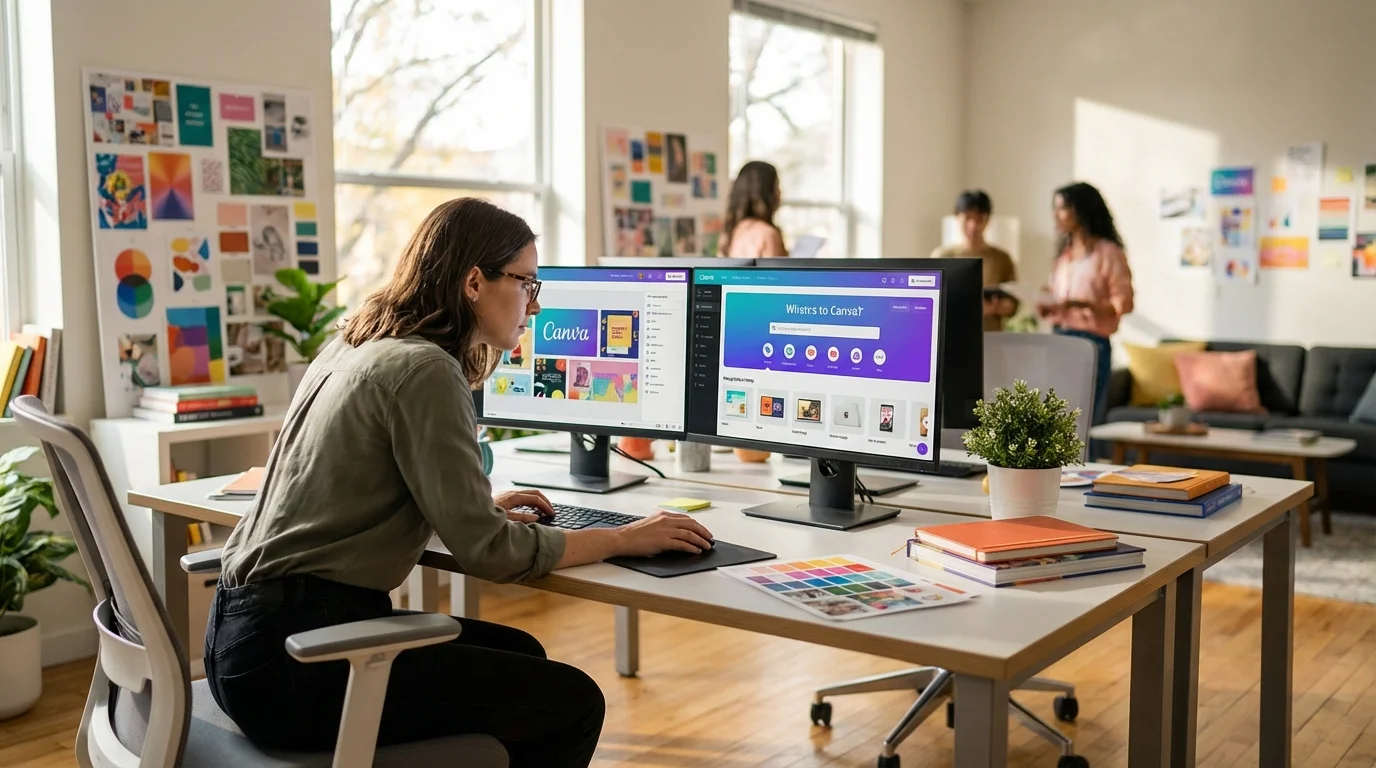
I’d say Canva is the best overall free logo maker, mainly because it perfectly balances powerful features with an incredibly simple user interface. It’s a full-blown design platform, yet creating a logo feels intuitive, even for total beginners. You really don’t need any prior experience to get a professional result.
The process is straightforward. You can start by browsing a vast library of logo templates categorized by industry, from tech to retail. Once you find one you like, you enter the editor. Here, every element is customizable. You can change the text, swap the icon for one of thousands in its free library, adjust the color palette to match your brand, and resize or reposition everything with simple clicks. The free version offers more than enough assets to create a unique and high-quality logo.
A common mistake I see is people thinking they need the Pro version to get a good result. That’s just not true. The free plan lets you download your logo as a high-resolution PNG file with a transparent background, which is exactly what you need for websites, social media, and even small print jobs.
Is Adobe Express a Better Choice for Professionals?
Adobe Express is another excellent no-cost option, particularly for those already familiar with or invested in the Adobe Creative Cloud ecosystem. It offers a professional-grade experience with a workflow that feels a lot like Canva’s, but it also has unique integrations and AI-powered tools.
Like its main competitor, Adobe Express provides a template-driven editor. You can start from a template or use its AI-powered generator by providing details about your business. It will suggest styles, icons, and layouts that you can then customize. Where it stands out is its connection to other Adobe products like Photoshop and Illustrator. If you’re an existing Creative Cloud subscriber, you already have access to all of Express’s premium features, including a larger library of Adobe Fonts and stock photos.
What the manual doesn’t say—but experience shows—is that Adobe’s design suggestions often feel a bit more corporate and polished compared to Canva’s, which can be a benefit for B2B companies or established freelancers. The main drawback, however, is that its most desirable assets and advanced features, such as brand kits for maintaining consistency, require a subscription.
When Should You Use an AI Logo Generator Like Namecheap?
You should use an AI logo generator when speed is your top priority and you’re comfortable letting an algorithm handle the creative heavy lifting. A resource like the Namecheap Logo Maker is designed to produce dozens of options in seconds with minimal input from you.
The process is almost entirely automated. You input your company name, select a few font styles and colors you like, and choose some basic icons. The AI then mixes and matches these elements to generate a wide array of potential logos. This is a fantastic way to brainstorm ideas even if you plan to refine the design later. The main advantage of Namecheap’s tool is that it provides vector files (SVG) for free upon signup. Vector files are infinitely scalable without losing quality, making them essential for professional printing.
The trade-off, of course, is a significant lack of control. Editing options are minimal, usually restricted to changing the color or slogan. Imagine you like an icon from one design but the font from another. Too bad. You can’t freely move elements or combine different icons. This approach is less about creating a bespoke design and more about finding a good-enough option quickly. The rise of these tools parallels the growth of other creative AI, including the best AI image generators, which also prioritize speed and iteration over granular control.
What Key Features Should You Look for in a Free Tool?
When you’re looking at a free logo platform, you’ve got to look past the pretty templates. Focus on the technical output and usage rights. Because a beautiful logo is useless if you can’t download it in a usable format or if you don’t have the legal right to use it for your business. Here’s what I always check.
- High-Resolution Downloads: Your logo must be available in a high resolution (at least 1000 pixels wide). Low-resolution files (like 300px) will look blurry and unprofessional on websites and are completely unusable for print.
- Correct File Formats: A good free tool should offer PNG files with a transparent background. This is essential for placing your logo on colored backgrounds or over photos. Access to SVG (vector) files is a major bonus, as they can be scaled to any size.
- Commercial Usage Rights: Ensure the service grants you full commercial rights to the logo you create. Some platforms have restrictive terms that prevent you from using the design for profit or trademarking it. Always read the fine print.
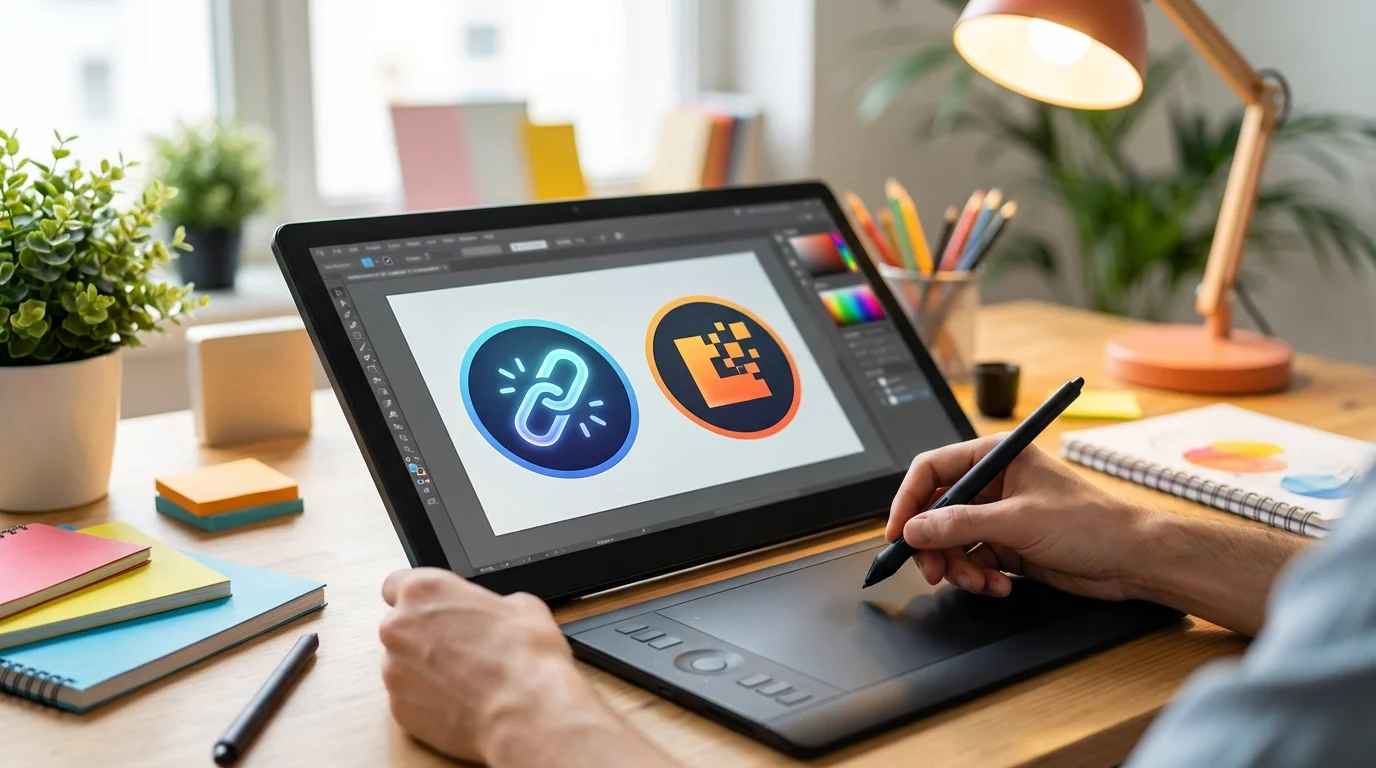
- Customization Options: The tool should allow you to do more than just change the text. Look for the ability to adjust colors, swap icons, change fonts, and modify the layout to create something that feels unique to your brand.
Case Study: Launching a Brand in 48 Hours
A freelance marketing consultant I know needed a professional identity—fast. She had an unexpected speaking gig and no brand name, no logo, and no website. The event was just two days away. Hiring a designer? Not an option.
She decided to use Shopify’s Logo Maker (formerly Hatchful) because it was built for speed. She entered her new business name, ‘Momentum Digital,’ and selected keywords like ‘growth,’ ‘strategy,’ and ‘tech.’ Within 60 seconds, the generator produced over 50 logo variations. She found a clean, minimalist design featuring an upward-trending arrow icon that perfectly matched her brand concept. She made a minor color adjustment to a professional navy blue and downloaded the complete logo package.
The result was pretty surprising. The package included high-resolution versions for her presentation slides, a transparent PNG for her new landing page, plus pre-sized profile pictures for LinkedIn and X. In under 15 minutes, she had a complete set of branding assets. This allowed her to launch her professional presence with confidence, and she secured two new clients directly from the event who commented on her polished and cohesive branding.
Look, creating a professional logo doesn’t require a huge budget or design skills anymore. If you want creative control, Canva gives you an unmatched library of free assets and a dead-simple editor. But if you need a logo right now with minimal fuss, an AI-powered generator like Namecheap’s is the more practical choice. So, your next step is simple: figure out if you need control or speed, then go try one of these platforms. If you’re still unsure, you can always use an interactive AI tool finder to discover other options tailored to your specific project.

FAQ
Can I trademark a logo I made with a free logo maker?
It really depends on the platform’s terms of service and the uniqueness of your design. Most free logos use stock icons and common fonts, making them difficult to trademark. If you plan to trademark your logo, it’s best to use a free maker for inspiration and then hire a designer to create a completely unique version.
What is the minimum resolution for a professional logo?
For web use, I’d aim for at least 500 pixels wide, though 1000-2000 pixels is better for retina displays. For printing on items like business cards or flyers, you need a vector file (SVG or EPS) or a very high-resolution raster file (300 DPI).
Are free logos good enough for a real business?
Absolutely. A logo from a free maker can be a great fit for a new or small business. It provides a professional starting point for your website, social media, and initial marketing materials. As your business grows, you can always invest in a custom design later.
Why do most free logo makers require an email to download?
It’s usually about lead generation. When you give your email, you’re often agreeing to get marketing messages from them. It’s the classic trade-off for getting a valuable resource at no cost.