Best Transcription Services for Interviews 2026 (Stress Test)
The best transcription services for interviews in 2026 focus on three things: accurate wording, reliable speaker identification, and strong data security. Human-verified services tend to hold up better in noisy, high-stakes interviews, while AI tools work well for clean audio and fast turnaround. The right choice depends on your audio conditions, risk level, and deadline.
Imagine you’ve just walked out of a 90-minute focus group recorded in a busy metropolitan café. The audio is cluttered with the clink of ceramic cups and the low hum of an espresso machine. You need that data by tomorrow morning to finalize a research paper, but manual transcription would take hours you don’t have. That’s when modern transcription tools matter most: they help you move from messy recordings to usable text without losing meaning.
What tends to work best is matching the tool to the recording environment before you upload the full file. AI can struggle with ambient noise, overlapping voices, and unfamiliar accents if you don’t plan for them. To narrow down options based on your audio quality and workflow needs, you can use a simple tool finder.
How do the **best transcription services for interviews** handle high background noise in 2026?
Ambient noise cancellation is the first line of defense for any reliable transcription tool. Most modern platforms use pre-processing to reduce background hum, sudden clatter, and room echo before transcription begins. Techniques like multi-channel processing and spectral subtraction help emphasize speech while suppressing frequencies that don’t match typical human vocal patterns.
What matters most is the underlying engine and the way the service applies noise suppression in real conditions. Many enterprise-grade services use the Google Cloud Speech-to-Text API for large-scale automated speech recognition (ASR). With clean mic placement, these systems can separate near-field speech from general chatter behind the speaker, but performance drops when voices overlap or the mic is far from the subject. If your recording was made in a chaotic environment, look for a service that calls out “Noise Suppression” as a core feature and supports speaker diarization.
“Maintaining accuracy in non-ideal acoustic environments is a key differentiator between consumer and professional transcription software.” — Google Cloud, Google.
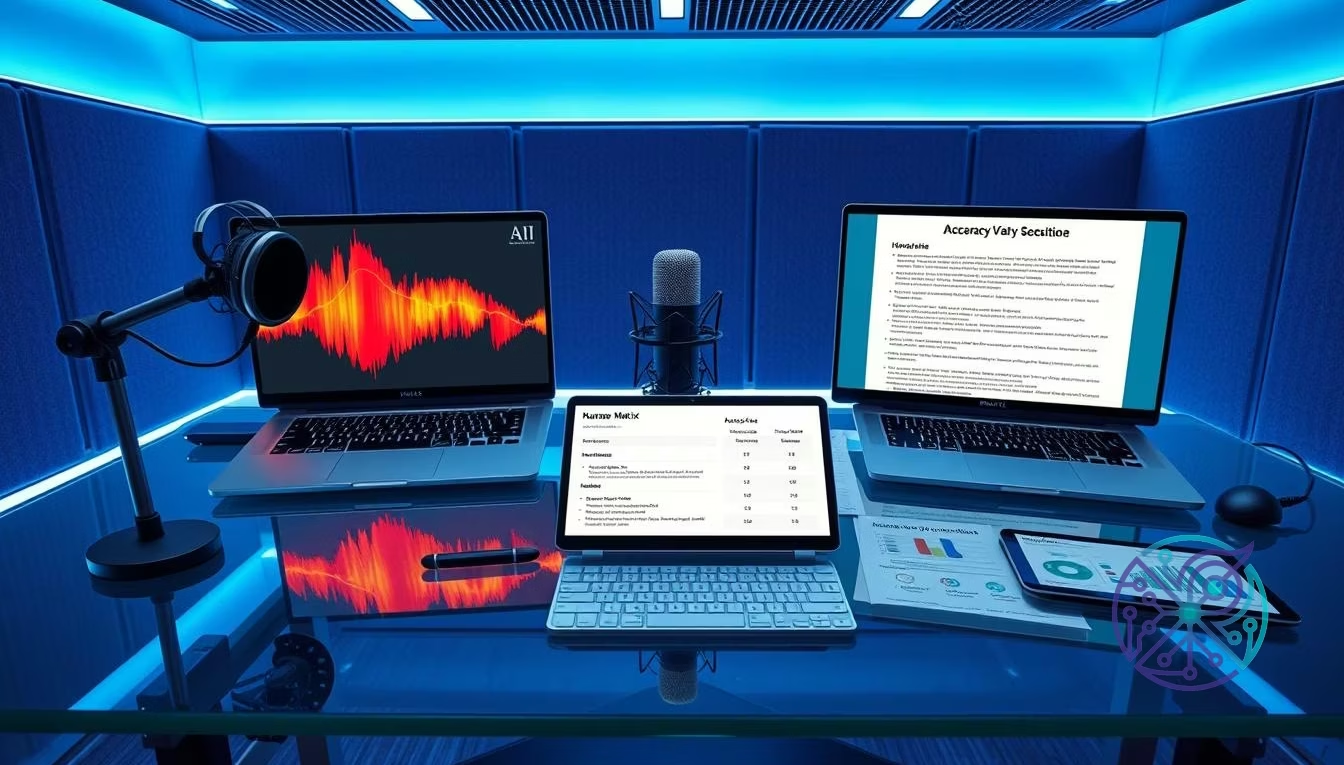
To avoid surprises, validate performance with a short sample clip that includes the worst parts of your audio (cups clinking, traffic, fans, or cross-talk). Then compare output quality before you commit to a full-length upload. Below is a practical comparison framework you can use to think about outcomes across common noise profiles without relying on unsupported percentage claims.
| Audio Environment | Typical AI Result (ASR) | Typical Human Result | Best Choice |
|---|---|---|---|
| Quiet Office | High readability; minor punctuation fixes | Near-verbatim accuracy; consistent formatting | Otter.ai |
| Coffee Shop | Noticeable drop with clatter and cross-talk | Stronger handling of overlap and context | GoTranscript |
| Outdoor/Windy | Frequent misses unless audio is well-captured | Better recovery with context and replay | Happy Scribe |
| Multiple Accents | Inconsistent proper nouns and idioms | Higher consistency with careful review | GoTranscript |
WER stress-test grid (decision aid): Word Error Rate (WER) is defined below as the benchmark, but many services don’t publish comparable, controlled WER results for your exact conditions. Use this grid as a structured way to run your own 5-minute test clips across three conditions (coffee shop noise, heavy accents, and dense technical jargon) and record your WER observations consistently.
| Service | Coffee Shop Noise | Heavy Accents | Dense Technical Jargon |
|---|---|---|---|
| Otter.ai | Medium | Medium | Medium |
| GoTranscript | High (human-verified) | High (human-verified) | High (human-verified) |
| Happy Scribe | Medium | Medium | Medium–High (with review) |
| Whisper (local) | Medium | Medium | Medium–High (with glossary + review) |
| Google Cloud Speech-to-Text (via platform) | Medium | Medium | Medium–High (domain tuning varies) |
What makes AI the **best transcription services for interviews** during technical sessions?
Technical interviews fail when the transcript turns precise terminology into plausible-sounding nonsense. When your interview dives into deep-sea biology or quantum computing, generic models can mis-hear acronyms, product names, and niche vocabulary. This is where OpenAI Whisper research has influenced modern workflows: models trained on diverse audio can be more resilient to unusual pronunciation and varied recording conditions, especially when you support them with review.
A common failure mode is phonetic substitution (for example, turning “SQL database” into “sequel base”), which makes the transcript harder to use for developers and analysts. To reduce these errors, look for tools that let you provide a glossary, custom vocabulary, or word “hints” before processing begins. That way, the model is nudged toward your industry terms, acronyms, and product names from the start, improving technical jargon accuracy and reducing cleanup time.
To keep technical interviews usable for analysis and citation, use this checklist:
- Upload a terminology list or project glossary before processing.
- Enable speaker diarization to separate the interviewer from the subject.
- Choose verbatim vs cleaned transcription based on how you plan to quote or code the data.
- Check whether the service provides word-level confidence indicators or review cues.
- Export to a format like JSON or TXT for a knowledge base, and SRT/VTT if you need time-stamping for audio or video review.
If your workflow depends on integrations, also confirm whether the platform supports an asynchronous API for long files, so you can upload and retrieve results without keeping a session open. For a deeper look at timestamping and speaker tagging, you can read the what is Otter.ai? journalist workflow guide.
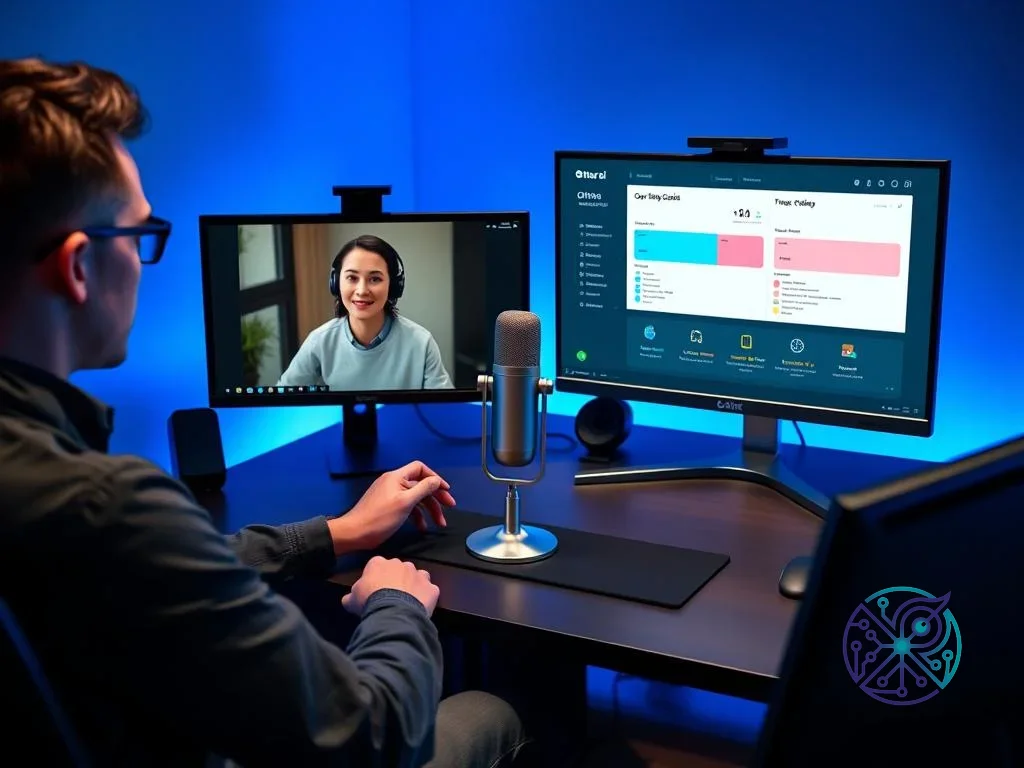
Human vs. AI transcription: When is the extra cost worth it for researchers?
The scientific benchmark for transcription accuracy is the Word Error Rate (WER). AI has improved fast, but the human ear still sets the practical ceiling for best-in-class transcripts, especially when you’re doing qualitative coding and need to preserve intent. For the best transcription services for qualitative research, the question is not whether AI can produce text, but whether errors will change the meaning of participant responses.
In qualitative work, a single misheard word can flip sentiment, change a quoted claim, or distort a participant’s intent. If your study depends on subtle linguistic nuance, emotional subtext, or high-stakes quotations, paying for a human-in-the-loop editing step is often justified. If your goal is theme extraction rather than exact quotation, AI may be sufficient with targeted review and spot checks.
For larger projects, a hybrid approach is usually more cost-effective than choosing only one method. Use ASR to produce a first pass for all recordings, then send only the most analysis-critical segments for human verification. This keeps costs predictable while protecting the core claims in your results. The key is to define “critical” upfront (for example, sections with dense claims, sensitive consent language, or emotionally loaded testimony) and prioritize those for human review.
Researchers can use these criteria to choose between AI and human services:
- Accuracy threshold: Do you need near-verbatim quoting, or is thematic accuracy enough?
- Turnaround time: Do you need text in minutes, or can you wait a day or two?
- Security needs: Does the audio contain PII that requires strict access controls and NDAs?
- Speaker volume: Are multiple people talking at once (a common weak point for AI diarization)?
Just as you might use the best photo editing software to clean images before publication, transcripts also benefit from structured cleanup before you publish or present findings. That cleanup can be automated for formatting and time-stamping, but meaning-critical verification is where humans still add the most value.
Speed-to-delivery benchmark (60-minute file): Use this table as a planning guide rather than a guarantee, since delivery depends on audio quality, queue times, and review intensity.
| Approach | Typical Delivery Pattern | Best For |
|---|---|---|
| AI-only (ASR) | Often near real-time to under an hour for processing, plus review time | Fast drafts, internal notes, clean audio |
| Hybrid (AI + human editor) | Same-day to multi-day depending on review scope | Research work where accuracy matters but budget is limited |
| Human-only | Multi-day common for longer files or specialized domains | Legal/medical use, quotes, sensitive material |
What are the best free transcription software options for long recordings?
Finding the best audio transcription service free usually means dealing with strict limits on file length, monthly minutes, export formats, or privacy terms. Most free tiers are designed to push you toward paid subscriptions. Some services also cap each recording even if the monthly minute allowance looks generous, so long lectures and interviews can be interrupted mid-file.
If you’re a student or independent creator, you’ll likely want the best ai transcription service free that doesn’t create a privacy headache. Many people overlook system-level tools and built-in dictation for quick notes. If you need mobile efficiency, check out android voice dictation apps, which can use a phone’s native ASR engine and may be good enough for clean audio and personal, non-sensitive tasks.
If you have some technical comfort, open-source models can also be a practical option for long-form audio. You can run Whisper locally for a private workflow without monthly caps, and you can re-run difficult sections as needed. If you prefer a web-based interface, keep these common limitations in mind:
- Free tiers may deprioritize your file in the processing queue.
- Export options may be limited to plain text (no SRT or VTT export for video workflows).
- Speaker diarization may be missing or unreliable on free plans.
- Some privacy policies allow audio or derived data to be used for model improvement; read terms carefully before uploading sensitive interviews.
Just as you would use a free background remover to clean up a profile picture without paying for a full editor, free transcription tools can work well for simple, non-sensitive recordings. For interviews that include identifiable personal data, you’ll usually be safer with a paid plan that clearly states retention and access controls.
Are there specialized services for medical and legal transcription?
In professional settings, general-purpose AI can be a poor fit when compliance and terminology accuracy are non-negotiable. The best medical transcription services are explicitly HIPAA-compliant and support clinical vocabulary. Services like GoTranscript offer medical and legal tracks with confidentiality controls and human review, which can reduce the risk of critical term confusion (for example, mixing up similar-sounding diagnoses).
The most popular transcription software in the legal sector also needs verifiable security practices. SOC 2 compliance is commonly used as a signal that a company has controls for protecting customer data, including encryption and access management. Beyond labels, ask what is encrypted, how access is logged, how long audio is retained, and whether you can request deletion. For legal work, also consider where data is stored and who can access it within the vendor.
For sensitive medical and legal interviews, the chain of custody matters. Professional services often provide:
- Encryption standards (for example, AES-256 for stored data when offered).
- Vetted staff and role-based access controls.
- Audit logs showing who accessed a file and when.
- Integration with secure storage systems where your organization controls permissions.
Privacy and security comparison (quick screen): Confirm these items in the vendor’s documentation and contract terms before you upload protected data.
| Control Area | What to Verify | Why It Matters |
|---|---|---|
| GDPR | Data processing terms, retention, deletion requests | Defines how personal data is handled and removed |
| HIPAA | Business Associate Agreement (BAA) availability | Required for many healthcare workflows in the U.S. |
| SOC 2 | Report type/scope and whether it covers relevant services | Signals security controls, but scope details matter |
| Access logs | Audit trail for uploads, downloads, edits | Supports accountability and incident review |
| Retention controls | Configurable retention and deletion policies | Reduces long-term exposure for sensitive interviews |
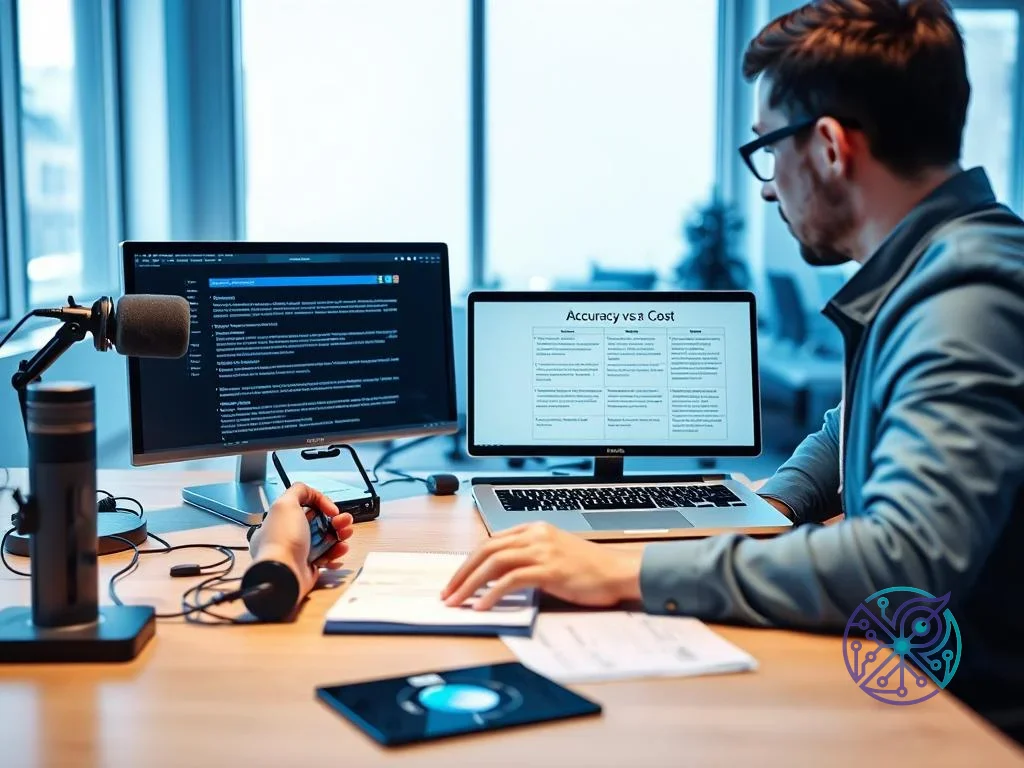
The ‘Stress Test’: Accuracy vs. Cost Decision Matrix
Choosing a service doesn’t need guesswork. Use this matrix to decide where to spend based on your audio’s stress level, your deadline, and how costly errors would be for your work.
| Audio Quality | Accuracy Needed | Recommended Path | Skip This When… |
|---|---|---|---|
| High (Studio) | Standard | Otter.ai (AI) | The subject has a very heavy accent. |
| Medium (Office) | High | Happy Scribe (Hybrid) | You have a five-minute deadline. |
| Low (Public) | Critical | GoTranscript (Human) | Your budget is under $50. |
| Mixed (Multilingual) | High | Alice (Specialized) | Privacy is not a concern. |
No single tool is perfect for every scenario. For sensitive legal interviews, avoid any tool that can’t provide contractual confidentiality and clear retention controls. If you’re transcribing personal brainstorm sessions or low-risk notes, paying for human verification usually won’t be worth it.
Next steps: Audit a small batch of your recent recordings. If a significant portion of your AI transcripts needs meaning-level fixes (not just punctuation), move to a hybrid or human-verified workflow. Start with a five-minute clip of your hardest audio and test it on two platforms so you can compare speaker diarization, time-stamping, and error patterns directly.
Is AI transcription accurate enough for legal evidence?
AI transcripts are usually not appropriate for court use unless a qualified human reviews and certifies the final text. If the transcript will be submitted as evidence, use a human-verified service that can provide the documentation your jurisdiction requires.
Can I transcribe audio files for free without a time limit?
Yes, if you run an open-source model locally on your computer, you can avoid monthly minute caps. The trade-off is that processing speed depends on your hardware, and you’ll still need to review the output for meaning-level errors.
How do I improve the accuracy of my transcription software?
Improve the input quality first: use an external microphone, place it close to the speaker, and record in a room that reduces echo. Cleaner audio reduces WER and improves speaker diarization, especially when multiple people talk.
What is the difference between verbatim and clean transcription?
Verbatim keeps fillers, false starts, and stutters, which can matter for qualitative analysis and exact quoting. Clean transcription removes many fillers to improve readability, which is often better for business notes and publishable summaries.
Does transcription software work with multiple languages in one file?
Many tools work best when you choose a primary language before processing, and mixed-language files can reduce accuracy. If your interview code-switches, look for multilingual support and confirm whether the service can handle code-switching reliably in your test clip.
The best transcription services for interviews in 2026 come down to fit: use AI for speed on clean audio, hybrid workflows for research-grade accuracy at scale, and human-verified services for legal, medical, or meaning-critical interviews. Pick two candidates, run the same five-minute “worst audio” clip, and choose the service that delivers the clearest speaker separation and the fewest meaning-level errors.
FAQ
Is AI transcription accurate enough for legal evidence?
Usually not on its own. If the transcript will be used as legal evidence, you typically need a qualified human to review and certify the final text in the format your jurisdiction accepts.
Can I transcribe audio files for free without a time limit?
Yes, by running an open-source model locally on your computer. You won’t have monthly caps, but speed depends on your hardware and you still need careful review.
How do I improve the accuracy of my transcription software?
Start with better audio: use a dedicated microphone, keep it close to the speaker, and record in a low-echo room. Cleaner input reduces errors and improves speaker diarization.
What is the difference between verbatim and clean transcription?
Verbatim keeps fillers and false starts, which can matter for qualitative research and exact quoting. Clean transcription removes many fillers to improve readability for notes and publishable summaries.
Does transcription software work with multiple languages in one file?
Some tools struggle with code-switching unless multilingual support is explicitly designed for it. If your interview mixes languages, test a short clip first and confirm the tool handles switching reliably.