Can Machines Think? Thinking vs Imitation Test (2026)
can machines really think the way you do? For most school and writing tasks, today’s AI produces convincing language and solutions through pattern-matching, not grounded understanding. You can separate “thinking” from “imitation” by checking for evidence: sources you can open, clear causal links, consistent constraint-following, real error correction, and transfer to new problems.
You’re staring at a blank doc at 11:47 p.m., your deadline is close, and a chatbot can produce something polished in seconds. Still, that speed can quietly replace the part school is supposed to build: your ability to reason, retrieve what you know, and defend your choices.
If you want grades without losing learning, you need two things: a clear definition of what AI is doing when it “sounds smart,” and a workflow that forces you to attempt the work before you ask for help. Use the breakdown below tomorrow morning—then stick to it.
Can machines really think, or do they only imitate thinking?
TL;DR: Most modern AI systems generate outputs that look like thinking, but “looking right” isn’t the same as “knowing why.” A practical way to answer can machines really think meaning is to test for specific evidence of understanding, not for fluent text.
Think of it this way: “thinking” is not a vibe. It’s a set of abilities you can probe—grounding claims in reality, tracking cause and effect, and correcting the answer when something doesn’t fit. AI can help you learn, yet it can also become cognitive offloading: you hand the hard parts to the system, and your brain stops getting stronger.
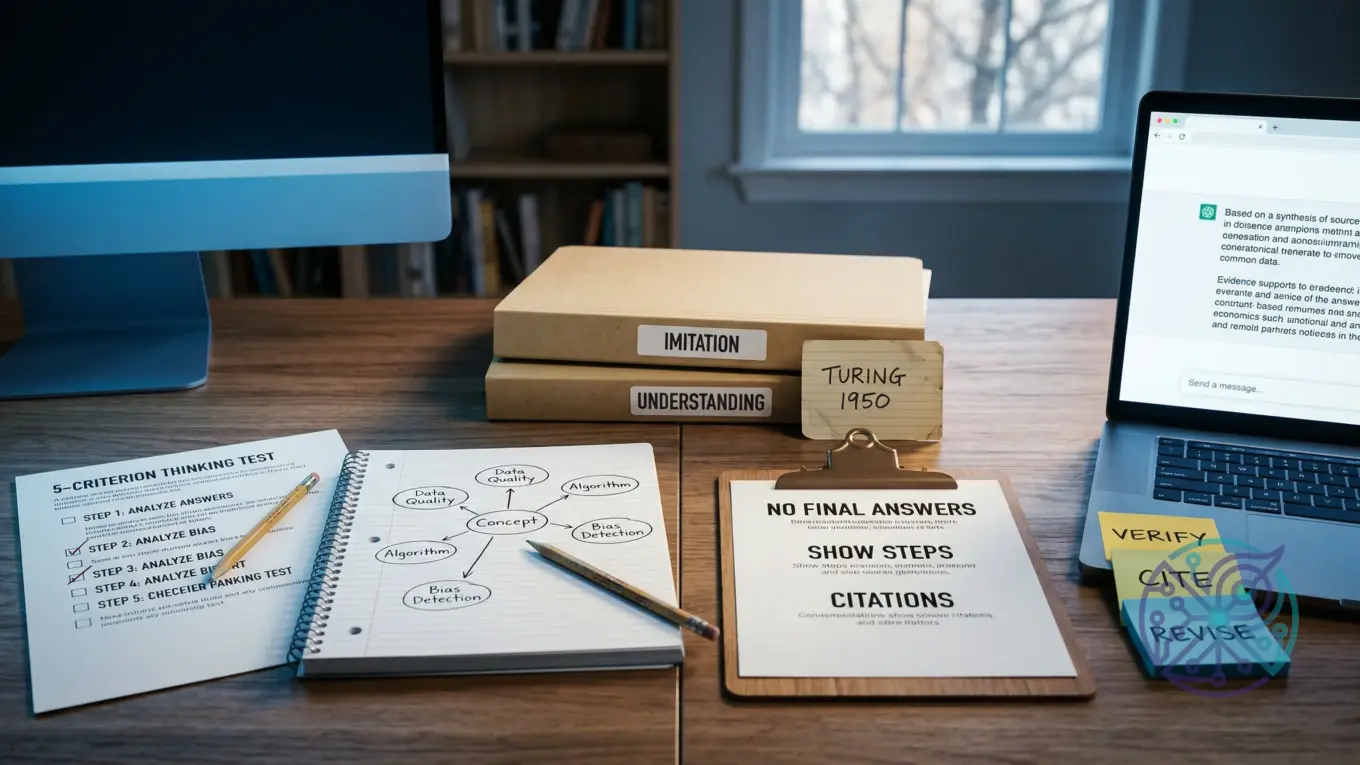
Use this five-criterion “Thinking vs. Imitation” test as your decision tool. It doesn’t settle philosophy; it tells you what to trust, what to double-check, and what has to stay yours.
| Criterion | What would count as evidence | What current AI tends to do | Learning implication |
|---|---|---|---|
| Grounding | References to checkable sources, data, or observations tied to the task | Can cite plausible details; it can also “hallucinate” convincing but false facts | Never treat output as a source; require citations you can open and confirm |
| Causal reasoning | Explains why A leads to B, predicts what changes when conditions change | Often gives coherent explanations; it can break under edge cases | Use it to generate hypotheses, not as your final explanation |
| Constraint handling | Follows assignment rules, rubrics, and format limits consistently | Can follow constraints; it may drift or contradict itself across long tasks | Keep a checklist; you stay responsible for compliance |
| Error correction | Admits uncertainty, revises when shown counterevidence | May overstate confidence unless you force uncertainty and verification | Ask for uncertainty ranges and verification steps, then do them |
| Transfer | Applies concepts to new problems without memorized templates | Can generalize patterns; it may fail when the problem requires true symbol grounding | Test yourself with new prompts and retrieval practice before relying on it |
If you want a simple rule: trust AI most for structure, options, and critique. Trust it least for factual claims, citations, and anything you can’t defend out loud in your own words.
- Use AI to propose outlines, practice questions, and alternative explanations.
- Use your own work for thesis choices, reasoning steps, and final claims.
- Verify anything that could be graded for accuracy or originality.
What did Alan Turing argue in 1950, and what do people get wrong about the Turing test?
TL;DR: When people ask can machines think alan turing, they often compress a nuanced idea into “if it talks like a human, it thinks.” Turing’s 1950 framing centered on an imitation-based conversational test, not a proof of consciousness or inner experience.
In Computing Machinery and Intelligence, Turing proposed the “imitation game,” a practical way to discuss machine intelligence through behavior in text conversation. That historical framing matters because the test measures performance in a narrow channel, not the full stack of human cognition.
Three common misunderstandings cause bad decisions in school settings. One: passing an imitation-style test doesn’t guarantee truthfulness. Two: fluency doesn’t equal comprehension, which is why the question turing test meaning has to be tied to what the test can and can’t show. Three: classroom goals are different from entertainment or customer support; education cares about durable knowledge, not just plausible answers.
You’ll also run into debates like the Chinese room argument and symbol grounding. You don’t need to pick a side to learn well; you do need to treat AI output as probabilistic language completion and build a process where the “thinking work” stays in your head and your notes, even though a tool can draft something fast.
- Use Turing as a reminder: behavior tests are limited by what they measure.
- Translate “sounds correct” into “prove it with sources and reasoning.”
- Set a personal rule: if you can’t explain it without the tool, you don’t own it yet.
How should students use AI without outsourcing learning (a practical workflow)?
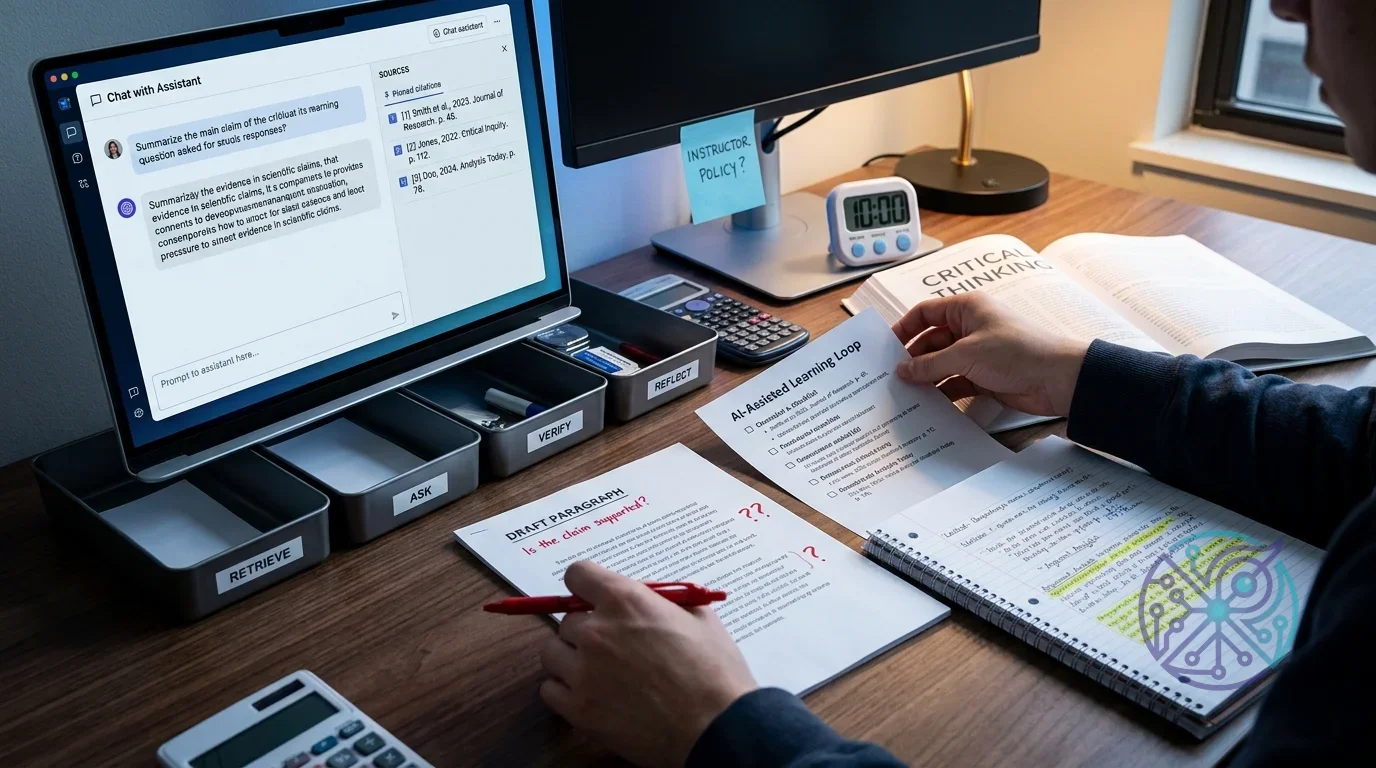
TL;DR: The safest student approach is retrieval-first, then AI, then verification, then reflection. This “AI-Assisted Learning Loop” keeps you learning while still getting the speed and feedback you want.
Here’s the loop. You can use it for essays, lab reports, math problem sets, and coding assignments, as long as you adapt it to your academic integrity policy and your instructor’s rules.
- Attempt from memory: Write a rough answer, outline, or solution path without AI. Use notes only if the assignment allows it.
- Ask for targeted help: Request clarification, counterexamples, or feedback on your draft—not a finished submission.
- Verify and cite: Check claims against allowed materials (textbook, lecture slides, trusted references). Save links or page numbers.
- Reflect in one paragraph: State what you changed and why, plus one mistake you won’t repeat.
- Re-test yourself: Do one fresh practice problem or rewrite one paragraph without AI.
Worked example (writing): You’re drafting a history essay introduction in Google Docs. Step 1: you write your thesis and three supporting points from memory. Step 2: you paste only your thesis and ask a chatbot for two alternative structures and one strongest counterargument. Step 3: you verify dates and names in your course materials, not in the chatbot. Step 4: you add a short process note for yourself: what you revised and what evidence supports it.
Worked example (STEM/coding): You’re stuck on a statistics homework question about p-values. Step 1: you write the definition in your own words and sketch the steps you think you’d take. Step 2: you ask the system to generate a plain-language explanation plus a common misconception. Step 3: you check the definition against your textbook or instructor notes, then solve a similar practice question without assistance. Por exemplo: if it claims “a p-value is the probability the null is true,” you flag that, check your notes, and rewrite the definition correctly before moving on.
If you want a fast choice for which solution to use, pick one that supports editing and feedback instead of full generation. A grammar helper like Grammarly can be fine for clarity, while a chatbot is better for brainstorming angles and spotting missing reasoning steps—though it’s also easier to over-rely on.
- Green-light uses: outlining, question generation, feedback on your draft, and error-spotting.
- Red-light uses: submitting AI-written paragraphs, copying answers, or citing sources you didn’t read.
- Grey area: paraphrasing tools; they can turn into plagiarism if you use them to hide borrowed ideas.
If you’re shopping for a tool, a quick way to narrow options is an AI tool finder that asks what you’re trying to do and what risks you need to avoid.
Affiliate disclosure: Some links on this site may be affiliate links, which means the site may earn a commission if you decide to buy—at no extra cost to you.
How can teachers set AI rules that protect learning outcomes without relying on AI detectors?
TL;DR: AI detectors don’t reliably prove authorship, so policies that depend on them break trust and create false positives. Better policies shift assessment toward process, evidence, and explainability.
OpenAI’s educator guidance is direct about detection limits, and the practical takeaway is simple: enforcement should focus on what a student can demonstrate, not on guessing whether a paragraph “looks AI.” See Educator guidance on AI-generated content and academic integrity for the rationale and classroom-oriented alternatives.
“AI classifiers are not fully reliable.” — OpenAI Help Center, Educator guidance on AI-generated content and academic integrity
Replace detection with assessment design. You can protect learning outcomes by requiring artifacts that are hard to fake without doing the work: in-class drafting, oral defense, annotated bibliographies, problem-solving interviews, and process logs. Besides, you reduce incentives to outsource thinking when grades reward effort and revision, not just a polished final draft.
Write your policy like a rubric, not a warning label. Define allowed uses (brainstorming, grammar checks, feedback), forbidden uses (generating final submissions), and required disclosures (a short note describing where AI helped). Students follow rules more consistently when boundaries are clear and the reason maps to learning goals.
- Assessment swaps: timed drafts, handwritten outlines, or short oral explanations of key decisions.
- Process artifacts: version history, source list with notes, and a reflection paragraph on revisions.
- Integrity guardrails: required citation checks, “show your work” steps, and brief comprehension quizzes.
For tool access and constraints, it also helps to reference the platform’s education terms so instructors understand limits and responsibilities. OpenAI’s Teacher Access Terms is a useful anchor when you’re writing policy language about responsible use and the need to verify outputs.
What are the biggest risks of using AI for learning (accuracy, bias, privacy), and how do you mitigate them?
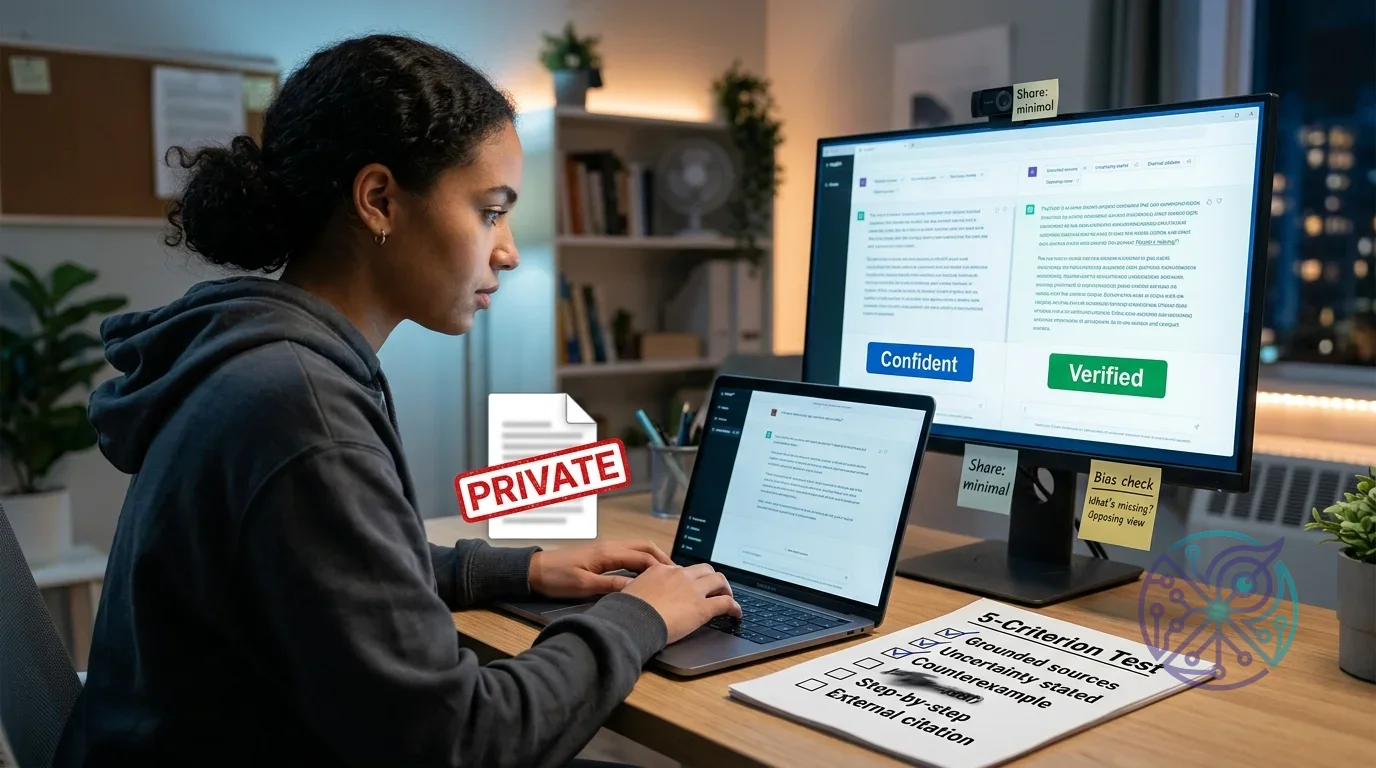
TL;DR: The big three risks are false answers presented confidently, biased framing that narrows your thinking, and privacy leaks when you paste sensitive material into third-party tools. You mitigate them by building verification into your workflow, widening your sources, and minimizing what you share.
Accuracy risk shows up as hallucinations: plausible statements with no reliable grounding. The mitigation is boring and effective—verification checklists and source discipline. If you can’t confirm a claim in a trusted source you’re allowed to use, you don’t treat it as true. That’s epistemic humility as a routine, not a slogan.
Bias risk is subtle because it looks like “help.” An AI assistant can steer your topic framing, suggested readings, or examples toward dominant perspectives. Counter it by asking for multiple viewpoints, then forcing yourself to find primary sources or course-approved references. Imagine you’re writing on a controversial issue: require at least one credible source that disagrees with your draft, then address it directly instead of burying it.
Privacy risk gets ignored until it matters. Don’t paste unpublished research, private student data, medical details, or proprietary documents into a general-purpose chatbot. Keep prompts abstract, redact identifiers, and use local notes for sensitive material; meanwhile, if you teach or manage a classroom, set a rule that student records never go into third-party tools.
For a broader industry view on responsible use in education, Google’s perspective on AI and learning is a helpful reference point for integrity, safety, and learning outcomes. If you want a risk-management framework you can reuse across tools, the NIST AI Risk Management Framework gives you language for documenting risks and controls unless you’d rather keep it informal.
- Accuracy control: require citations you can open, plus one independent verification step.
- Bias control: request alternatives, then choose sources deliberately instead of accepting defaults.
- Privacy control: redact, summarize, and avoid uploading sensitive documents.
Can machines think like humans, and what should you do with that answer in 2026?
TL;DR: For most school tasks, the practical answer to can machines think like humans is “not in the way your grades measure.” Treat AI as a powerful assistant for iteration and feedback, then design your work so you can prove ownership through reasoning, retrieval, and explanation.
If you’re a student, decide by task type. Use AI when the learning goal is exploration (brainstorming topics, generating practice questions, testing explanations). Skip it when the learning goal is demonstration (writing an original argument, showing steps in problem-solving, or producing a portfolio piece you’ll defend later). That’s your disqualifier: if you can’t explain it without the tool, don’t submit it—even if the output looks perfect.
If you’re choosing access, features, or guardrails, don’t start from hype. Start from constraints: privacy, disclosure requirements, and whether the system nudges cognitive offloading. If you need help understanding plan differences and limits for popular chat tools, this breakdown of ChatGPT plan options for 2026 can help you map features to classroom needs without overbuying.
For creators and students who write a lot, voice drafting can reduce friction while keeping the thinking yours, since you still have to form the sentences. If that fits your workflow, learn the trade-offs in how to choose and use Android voice dictation apps in 2026, then pair dictation with the loop: attempt first, get feedback second, verify third.
- Recommendation: adopt the “Thinking vs. Imitation” test, then follow the AI-Assisted Learning Loop on every assignment.
- Skip this approach when: your instructor bans AI outright, or the assessment is designed to measure unaided retrieval and reasoning.
- Best outcome target: you can explain your answer, cite your sources, and recreate the result without AI.
Pick one assignment this week and run it through the AI-Assisted Learning Loop: attempt from memory, ask for targeted feedback, verify with allowed sources, write a one-paragraph reflection, then re-test yourself without AI. You’ll get the speed benefits, but you’ll keep the skills school is grading: reasoning, recall, and explainability.
FAQ
Is the Turing test proof that a machine thinks?
No. The imitation game evaluates conversational performance, not consciousness, truthfulness, or understanding, and it only measures what shows up in that narrow interaction.
What’s the safest way to use AI for homework without cheating?
Start with your own attempt, then use AI for feedback or clarification, and verify every factual claim in allowed sources. Don’t submit AI-generated text or solutions as your own work.
Why are AI detectors unreliable for teachers?
They can produce false positives and false negatives, especially across writing styles and prompts. A more dependable approach is to assess process and require students to explain their reasoning.
What should you never paste into a chatbot for school?
Don’t paste private student data, unpublished research, proprietary documents, or anything sensitive you wouldn’t post publicly. Redact identifiers and summarize instead.