Free AI Text-to-Speech for YouTube: A Creator’s Guide 2026
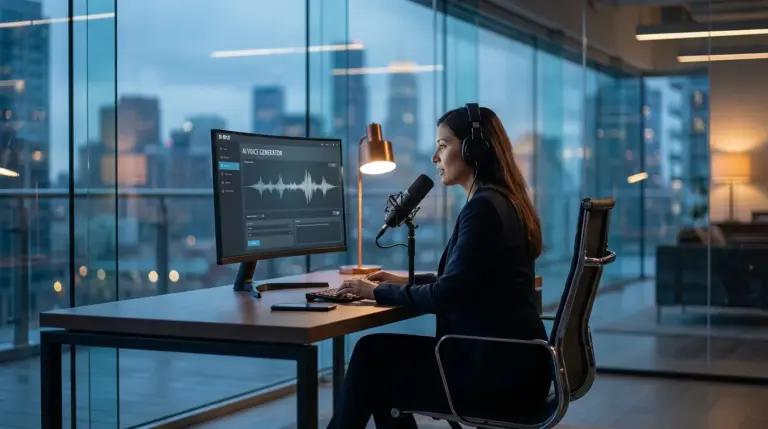
Looking for the best free text-to-speech tools in 2026? From my experience, you’ll want to check out the free tiers of ElevenLabs and Clipchamp. They offer surprisingly natural-sounding AI voices that are perfect for YouTube narration. These platforms allow you to convert written scripts into high-quality audio files, saving time on recording and editing voiceovers for videos and Shorts.
You’ve scripted your next ten YouTube Shorts, but finding the time and a quiet space to record crisp audio for all of them feels impossible. Maybe you’re not confident in your voiceover skills, or you just want to create material faster than you can speak. Let’s be honest, this production bottleneck is a common hurdle that stops many creators from scaling their channels consistently.
This is where a good text-to-audio converter becomes more than just a gadget; it’s practically a production assistant. By generating clean, consistent voiceovers from a script, you can improve your workflow, experiment with different narration styles, and produce videos at a much faster pace. It’s about removing a major friction point so you can focus on what you do best: creating engaging video content.
What are the top free AI text to speech tools for YouTube creators in 2026?
The best free AI text-to-speech solutions for YouTube creators offer a balance of high-quality voices, generous character limits, and commercial usage rights. The top contenders, in my book, are the free plans from ElevenLabs, Microsoft’s Clipchamp video editor, and NaturalReaders. Each serves a slightly different need, from hyper-realistic voice cloning to simple, integrated video editing workflows.
I’ve tested dozens of these platforms, and what really works for YouTube boils down to two things: voice quality and ease of use. A robotic voice will immediately cause viewers to click away. From my experience, ElevenLabs’ free tier provides some of the most emotionally resonant and human-like voices available without cost, though its character limit is restrictive. On the other hand, Clipchamp—which is built right into Windows—offers a surprisingly capable and completely free TTS engine directly within its video editor. This makes it a fantastic all-in-one solution for beginners, though the voices aren’t quite as nuanced. NaturalReaders is a solid browser-based option for quick audio file generation.
To help you choose, the following breakdown highlights the key differences. Your choice will depend on whether you prioritize the absolute best voice quality for short clips or a more integrated, unlimited solution for longer videos. Plus, many YouTubers I’ve worked with start with Clipchamp for its simplicity and then move to a paid ElevenLabs plan once their channel starts generating revenue. For starting out, the free options are more powerful than ever.
| Tool | Key Feature | Best For | Limitations on Free Plan |
|---|---|---|---|
| ElevenLabs | Emotionally expressive, realistic voices | Shorts, intros, and high-impact narration | 10,000 character/month limit; no voice cloning |
| Microsoft Clipchamp | Integrated directly into a free video editor | Beginners and all-in-one workflows | Voices are good but less nuanced than specialized tools |
| NaturalReaders | Simple web interface and Chrome extension | Quick script-to-audio file conversion | Limited premium voices; session limits |
How can AI text to speech enhance YouTube Shorts and video production?
So, how can AI text-to-speech actually enhance your YouTube production? It dramatically speeds up voiceovers for Shorts, provides consistent narration for faceless channels, and even adds creative audio elements. Instead of just replacing your voice, you can think of it as a versatile audio resource.
For YouTube Shorts, speed is everything. It just is. With these AI resources, you can turn a simple script into a finished video in minutes. You can create a whole series of fact-based or listicle-style Shorts by batch-generating the audio files first and then adding visuals. This is a method I’ve used to help clients produce a month’s worth of short-form content in a single afternoon. It’s a massive time-saver. On top of that, it ensures your audio is always clear and free of background noise—a huge factor for mobile viewers.
Beyond simple narration, you can use different AI voices to represent different characters in a story or skit. Imagine this: a history channel could use a distinct voice to read historical quotes, setting them apart from the main narrator. This adds a layer of production value that once required multiple voice actors. It also opens up possibilities for creating more accessible material, such as adding descriptive audio tracks for visually impaired viewers, expanding your audience reach.
What features define the best free text to speech tools for natural voices?
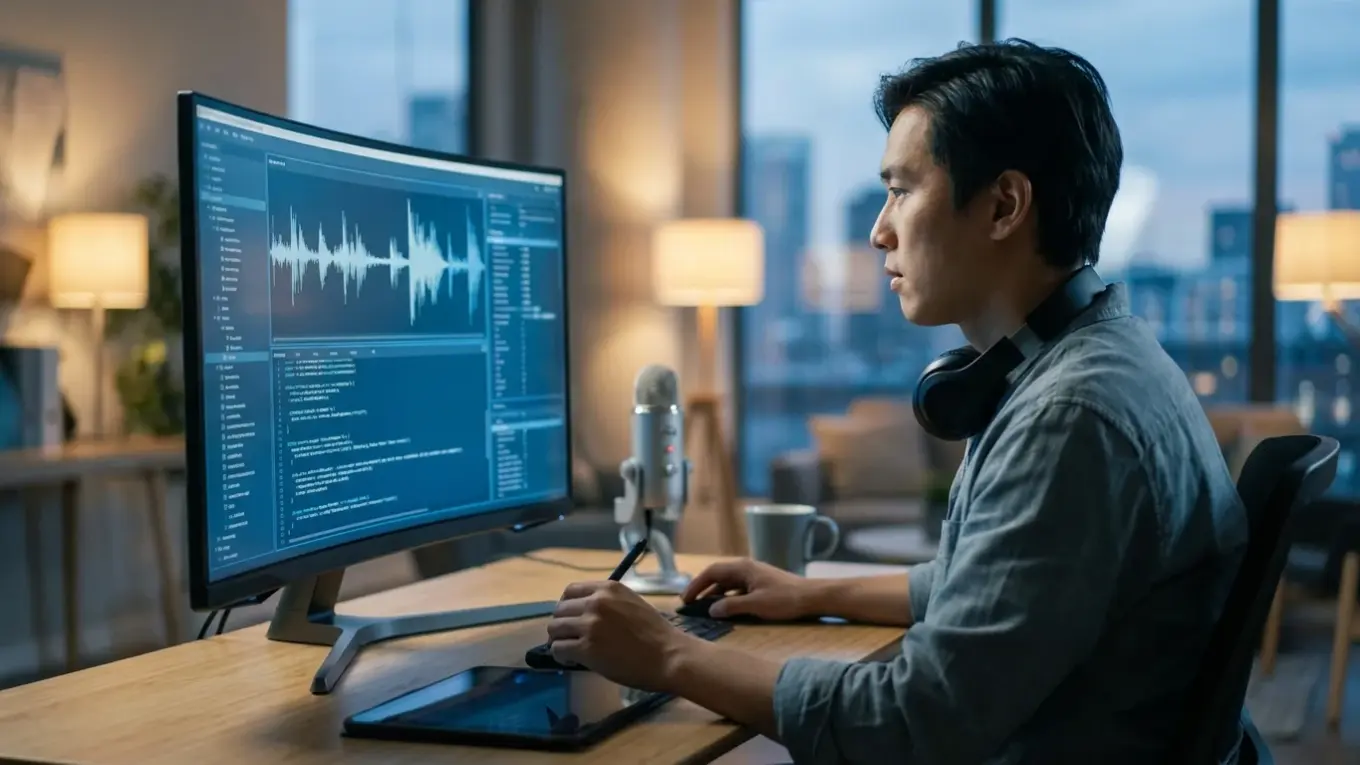
What makes a free TTS tool actually sound natural? It all comes down to its ability to control prosody—the rhythm, stress, and intonation of speech. Key features to look for include options to adjust pitch, rate, and volume, as well as the ability to insert pauses. These controls are what separate a flat, robotic voice from one that sounds human and engaging.
The underlying technology is known as speech synthesis, and its quality has improved exponentially. The most advanced platforms use AI models trained on vast datasets of human speech to capture subtle nuances. While most free tools limit deep customization, the best ones provide presets like “conversational” or “newscaster” that automatically apply a more natural-sounding delivery. When I’m evaluating a new platform, the first thing I test is its ability to handle a question. Does the inflection go up at the end? If it doesn’t, the voice will sound unnatural in almost any script.
Speech synthesis is the artificial production of human speech. A computer system used for this purpose is called a speech computer or speech synthesizer, and can be implemented in software or hardware products.
— Wikipedia, ‘Speech synthesis’
Besides the technical stuff, a good free solution will offer a variety of voices—different genders, ages, and accents. This allows you to match the voice to your brand and your audience. For instance, a channel explaining complex scientific topics might benefit from a clear, authoritative voice, while a storytelling channel might need a softer, more emotive one. The ability to preview voices with your own text before generating the full audio file is a simple but essential feature that saves a lot of time.
How do free text to speech tools integrate with video editing workflows?
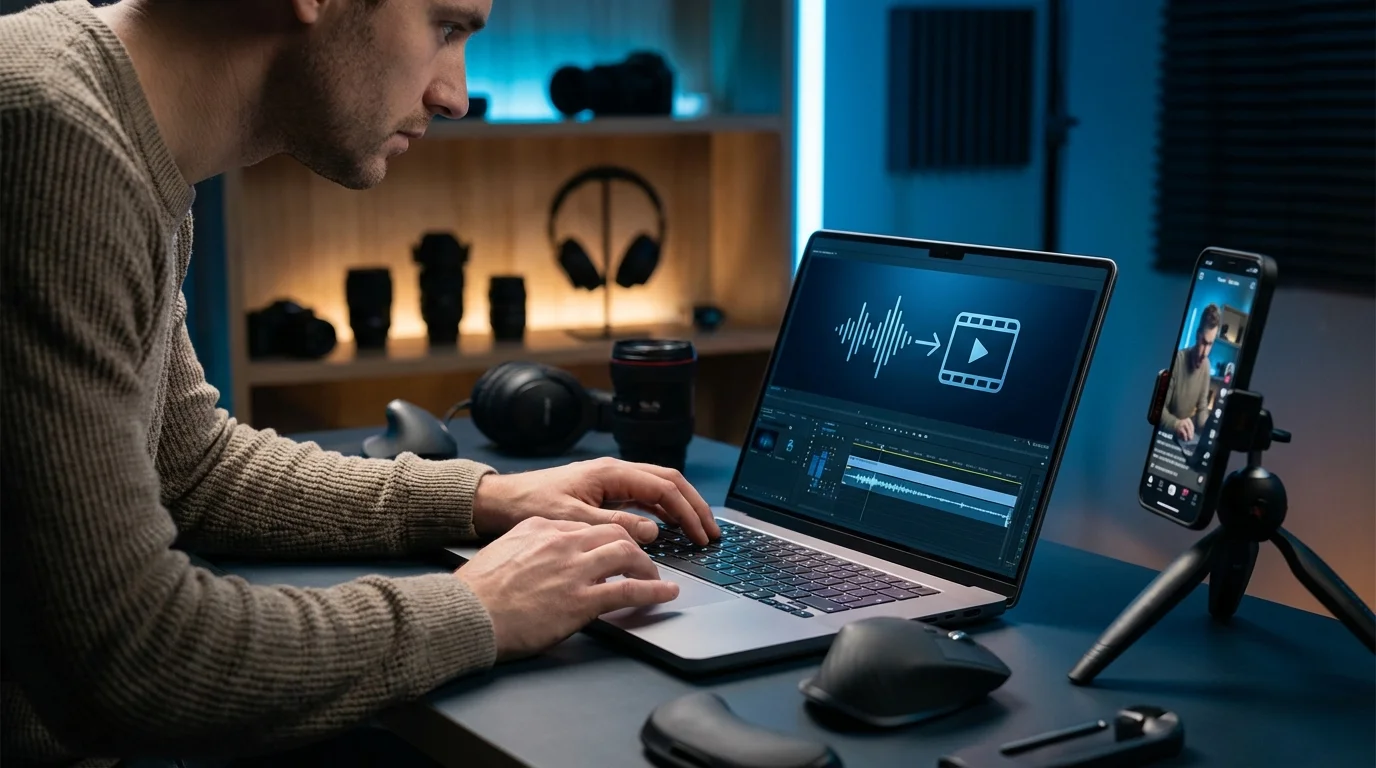
Free text-to-speech platforms integrate into video editing workflows through a pretty simple two-step process: audio generation and importing. You’ll finalize your script, paste it into the TTS tool, select your voice and settings, and download the resulting audio file, usually as an MP3 or WAV file. This file can then be imported into any standard video editor just like a piece of music or a recorded voiceover.
The process is straightforward, yet a lot of people get one part wrong. In practice, you’ll place the generated audio track on your timeline in an editor like DaVinci Resolve, CapCut, or Adobe Premiere Pro. From there, you can trim it, adjust its volume, and sync it with your visuals. One mistake I often see is creators generating one giant audio file for a 10-minute video. From my experience, it’s much better to generate audio paragraph by paragraph. This gives you smaller, manageable clips that are far easier to edit and time with on-screen graphics and scene changes, especially since you only have to regenerate one small clip instead of the entire voiceover if you find a typo.
Let’s look at a real-world example. A history-focused YouTube channel was struggling to produce more than one video per month due to the creator’s limited time for recording and editing their own voice. By switching to an AI text-to-speech solution, they were able to pre-generate all the audio for a video in under an hour. This allowed them to focus entirely on gathering historical footage and creating graphics. As a result, they doubled their output to two videos per month. Their subscriber count then grew by 40% in just six months, all because of the increased content consistency.
What are the future implications of YouTube’s AI announcements for text to speech?
YouTube’s recent announcements about its own native AI creation tools point to a future where text-to-speech will be deeply integrated into the platform itself. What does this mean for you? Eventually, you’ll likely be able to generate voiceovers directly within YouTube Studio, eliminating the need for third-party software. This integration would significantly lower the barrier to entry for producing high-quality narrated content.
The push towards native YouTube AI voice tools is part of a larger trend seen with technologies like Google Cloud Text-to-Speech, which already offers incredibly sophisticated voice generation. This could enable you to type a script, select a voice that sounds like your own (with permission), and have it automatically dubbed into multiple languages. YouTube has already reported millions of viewers watching auto-dubbed content, and expanding this with high-quality AI voices is a logical next step. Think about it: this would open up global audiences for creators in a way that was previously only possible for large media companies.
This development also raises important questions about transparency and ethics, which is why learning about YouTube AI training and how to protect your content is becoming more relevant. As these tools become more widespread, YouTube will likely introduce policies requiring creators to disclose when a voice is AI-generated to maintain trust with viewers. For now, though, the rise of powerful, accessible TTS is a huge benefit for creators. It puts advanced production capabilities into everyone’s hands and complements the functionality of other AI video generators.
YouTube’s investment in AI makes one thing clear: text-to-speech technology is no longer a niche gadget but a core part of the modern creator’s toolkit. It saves time, ensures audio quality, and opens up new creative avenues. So, what’s your next step? Pick one of the free options mentioned, like Clipchamp or ElevenLabs, and just try it for your next YouTube Short. See for yourself how much it can speed up your workflow. If you’re looking for more specialized options, try our interactive AI Tool Finder to get a recommendation tailored to your specific needs.
FAQ
Can I actually use free text-to-speech for monetized YouTube videos?
Many free text-to-speech platforms, like the one in Microsoft Clipchamp, allow commercial use, but you should always check the terms of service for the specific platform and voice you’re using. Some free plans have restrictions.
How can I make AI text to speech sound less robotic?
To make an AI voice sound less robotic, use a tool that lets you adjust the pitch, speed, and volume. Plus, adding short pauses after commas and longer ones after periods helps create a more natural rhythm.
Are there good free text to speech apps for mobile devices?
Yes, many video editing apps like CapCut include a built-in text-to-speech feature that works well for creating content directly on your phone. While they might offer fewer voice options than desktop software, they are very convenient for mobile-first workflows.
What is the best audio format to download for YouTube videos?
For YouTube, I’ve found that downloading your audio as a WAV file is often best because it’s uncompressed, offering the highest quality. A high-bitrate MP3 (320kbps) is also an excellent and suitable alternative for most productions.