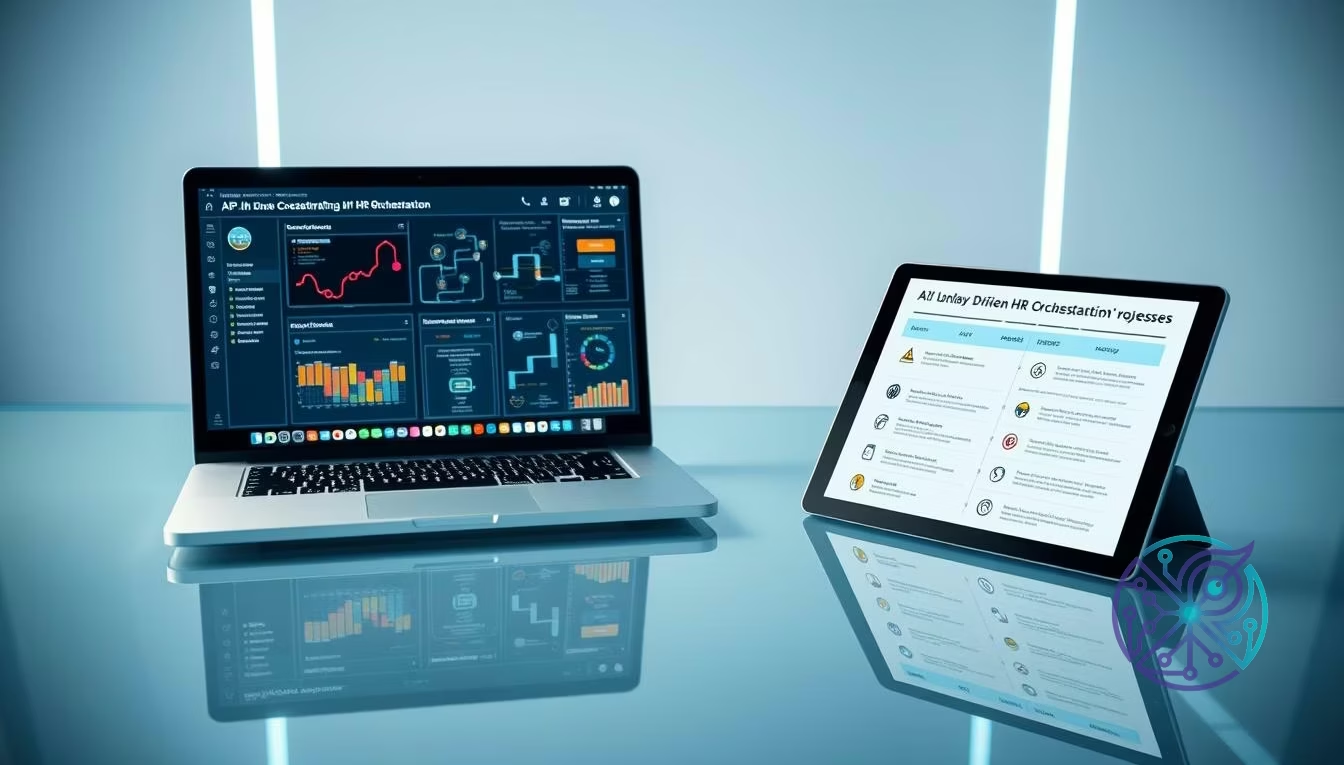
HR automation tools 2026: ROI + AI workflow checklist
If you’re comparing best hr automation tools 2026, focus on platforms that automate hiring, onboarding, and payroll in one connected system—not marketing or sales automation. Pair an orchestration layer like Zapier with HR platforms such as Rippling or BambooHR to reduce manual handoffs, keep audit trails, and enforce policy-based workflows across the employee lifecycle.
You’ve likely sat through a Monday morning meeting where three different managers asked for the same spreadsheet update. Your HR team is buried under a mountain of repetitive requests, from resetting passwords to tracking down missing tax forms. This isn’t just a waste of time; it’s a bottleneck that prevents your company from scaling. When your talent acquisition team spends four hours a day manually moving candidates through an ATS, they aren’t recruiting—they’re doing data entry.
The problem is that most teams use a fragmented tech stack where the payroll system doesn’t talk to the scheduling app, and the onboarding tool is a standalone island. This creates data silos and increases the risk of compliance errors. You need a connected ecosystem where data flows automatically from one stage of the employee lifecycle to the next. The newest platforms are built to reduce those handoffs by combining open APIs, no-code automations, and policy controls. Plus, it saves your sanity when auditors come knocking.
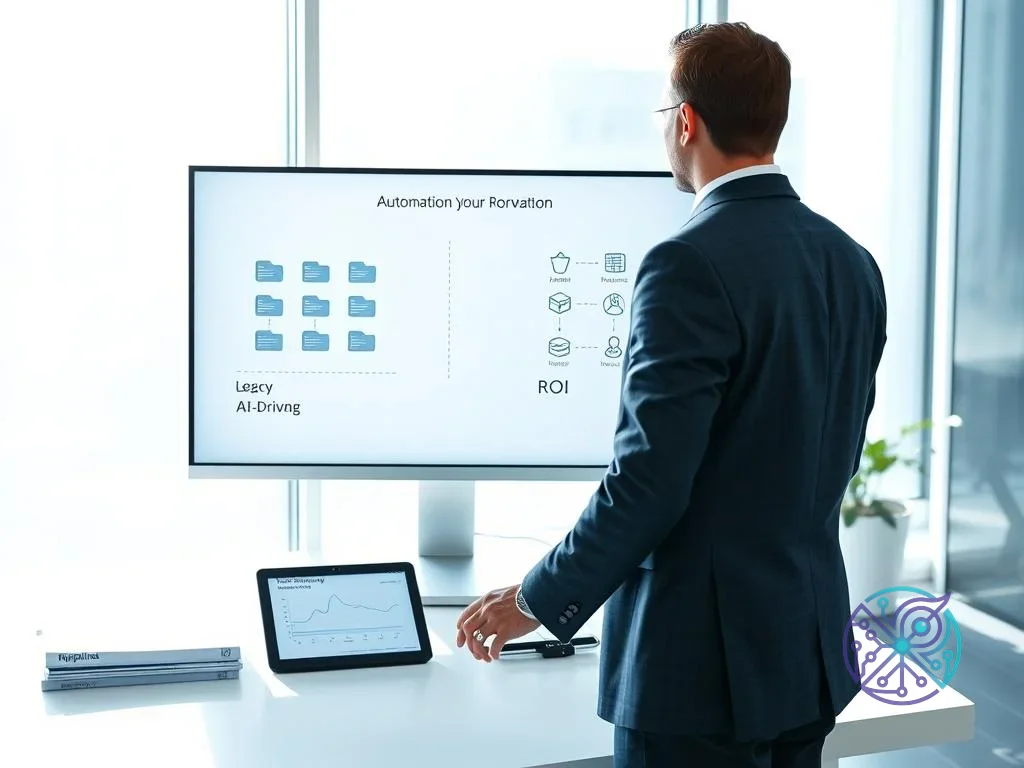
Calculating ROI: From Legacy Cabinets to AI Air Traffic Control
ROI in the modern HR landscape is measured by the reduction of touchpoints required to move an employee from a candidate to a productive team member. The tools that offer the highest return are the ones that combine deep functionality with high connectivity. Think of it this way: a tool that costs $500 a month but saves 40 hours of administrative labor is more valuable than a free tool that still requires manual data syncing. In 2026, the focus has shifted toward platforms that support autonomous agents capable of making low-level decisions within your defined policies.
Legacy systems were essentially digital filing cabinets that required a human to open every drawer and move every paper. Modern best hr automation tools 2026 behave more like air traffic control systems: they monitor events and take action based on pre-set rules. The shift toward enterprise-grade AI also puts security and governance in the foreground, because HR automation touches the most sensitive employee records you have. Imagine your lead recruiter, Sarah—instead of chasing signatures on a Friday afternoon, she’s actually interviewing top talent. That is the tangible ROI you’re looking for.
Measuring Performance and Implementation
When evaluating ROI, consider implementation speed versus long-term flexibility. A tool like BambooHR can offer an immediate all-in-one solution that works out of the box for many mid-sized businesses. On the other hand, a specialized tool like Ashby can take longer to configure but may reduce time-to-hire by surfacing bottlenecks in your applicant tracking system and speeding up automated talent sourcing. To understand the broader context of these systems, it helps to review the evolution of the Human Resource Management System (HRMS) and how it has expanded from simple record-keeping to proactive talent management. Yet, implementation is only half the battle; the real win is in the policy enforcement.
| Platform | Implementation Time | Workflow Complexity | Compliance Level | 2026 AI Readiness |
|---|---|---|---|---|
| BambooHR | 2-4 Weeks | Medium | SOC2, GDPR | Agent-Assisted |
| Rippling | 3-6 Weeks | High | SOC2, HIPAA, GDPR | Fully Autonomous |
| Breezy HR | < 1 Week | Low | SOC2 | Predictive Scoring |
| Ashby | 4-8 Weeks | High | SOC2, GDPR | Agent-Assisted Sourcing |
Building Zero-Touch Onboarding for Distributed Teams
Yes, you can actually automate the entire employee onboarding process. You build a zero-touch experience by using zapier hr automation workflows to connect your HR tools. The moment a candidate is marked as Hired in an ATS like Breezy HR, Zapier can trigger a chain reaction: send the contract via e-signature software, create the employee profile in BambooHR, and notify IT to provision accounts. The goal is to remove the administrative lag that can make a new hire’s first day feel disorganized. Unless you enjoy manually creating Slack accounts at 8 AM, this is a non-negotiable step.
To understand the logic behind these connections, it helps to look at how automated workflows are structured in an enterprise environment. You aren’t just moving data; you’re orchestrating a series of events that must happen in a specific order. If a background check fails, the workflow should pause and alert the right owner. If it passes, the next step should trigger immediately. This ordering discipline is what separates no-code HR automation from a checklist that still depends on someone remembering to follow up.
Remote Team Infrastructure
Remote teams face unique challenges around hardware management and global payroll. The best hr automation tools 2026 for this niche need to handle international labor rules without forcing you to hire a legal team in every country. Imagine a remote hire in Singapore: without automation, you’re staying up until midnight to verify their passport. With a tool like Rippling, the system handles the regional verification while you sleep. Besides managing records, it supports workflows that tie hiring events to account creation, device shipping, and access changes. When you’re standardizing systems for a distributed workforce, it also helps to keep long-term accessibility goals in view, such as those in a multi-year accessibility plan, so your tools work for everyone.
Securing the Infrastructure: Privacy and Compliance in 2026
Data privacy is the biggest hurdle to adopting automated human resources systems. You’re handling Social Security numbers, bank details, and sometimes health information, so you can’t treat automation like an experiment. In 2026, SOC 2 Type II is a common minimum expectation for an HR vendor security review, and GDPR requirements still matter if you hire or operate in Europe. You also need to ensure your automation triggers don’t expose sensitive data through misconfigured Slack notifications, overly broad webhook payloads, or open API endpoints. Still, many managers overlook the risk of internal exposure.
Security isn’t only encryption; it’s granular permission management and traceability. A strong automation platform lets you apply least-privilege access so an automated agent can verify that a document was signed without having the ability to read the document. When you build onboarding workflows and payroll integration steps, look for masked-data features and field-level access rules so sensitive fields stay hidden from admins who are only configuring the automation. Then again, if your tool doesn’t offer audit logs, you’re essentially flying blind.
The 8 Leading HR Automation Platforms for 2026
Selecting the right tool depends on your primary pain point. In 2026, the market breaks into clearer categories, from AI orchestrators to all-in-one people platforms. This list focuses on tools that can automate at least three distinct HR stages (hiring, onboarding, payroll) when connected into a single HR tech stack 2026 with no-code HR automation. Whether you’re a scrappy startup or a scaling mid-market firm, these platforms provide the infrastructure needed to stop the manual drudgery.
1. Zapier (Best for AI Orchestration)
Zapier acts as the connective tissue of your HR stack. It isn’t an HRIS, but it allows your existing tools to talk to one another and run no-code automations. In 2026, Zapier’s agent features and advanced steps can help you enforce workflow rules, such as checking whether a new hire has completed required steps before provisioning accounts. For security reviews, Zapier states that it is SOC 2 Type II and SOC 3 certified and GDPR-compliant for enterprise use cases.
2. BambooHR (Best All-in-One Platform)
For mid-market companies that want a welcoming employee experience, BambooHR remains a strong all-in-one option for recruiting, onboarding, payroll, and performance. It keeps employee lifecycle management in one interface while still supporting integrations when you need a best-of-breed stack. BambooHR publishes a security page that references SOC 2 Type 2 and describes its approach to protecting customer data, and it also maintains privacy documentation for GDPR-related handling.
3. Rippling (Best for Payroll and IT Management)
Rippling is distinct because it treats HR and IT as two sides of the same workflow. When you hire someone, it can connect payroll setup, device provisioning, and access management so onboarding isn’t split across different owners. It’s the closest thing to a “delete person” button for offboarding, too. Rippling’s security materials reference SOC 2 reporting and describe GDPR alignment, and its Trust Center highlights multiple certifications and audit programs.
4. Enboarder (Best for Engaging Onboarding)
If your new hires get overwhelmed by checklists, Enboarder focuses on onboarding workflows that deliver the right information at the right time. It uses a visual journey builder so you can time messages, tasks, and prompts across email or chat tools, keeping onboarding consistent across managers and locations. Enboarder states SOC 2 Type II compliance and references GDPR-related data retention settings on its security materials.
5. Deputy (Best for Employee Scheduling)
For shift-based businesses, Deputy is widely used for scheduling, timesheets, and hourly workforce workflows. It can reduce manual scheduling and tighten handoffs between shifts, time tracking, and payroll export steps. Imagine never having to manually calculate overtime across three different state lines again. Deputy also publishes security and compliance information through its Trust Center and has announced SOC 2 Type II attestation.
6. Ashby (Best for High-Volume Recruiting)
Ashby is designed for hiring teams that need deep funnel analytics and automation in their applicant tracking system. It helps you identify where candidates drop off, standardize stages, and keep hiring operations consistent across teams. Ashby publishes security information stating it is SOC 2 compliant and Type 2 audited annually. It is a powerhouse for teams that need to scale from 50 to 500 quickly.
7. Breezy HR (Best for Small Business)
Breezy HR makes professional recruiting accessible to small teams by keeping candidate stages visible and easy to manage. Its board-style workflow helps hiring managers participate without extensive training, which is important if you’re trying to run no-code HR automation without creating extra process overhead. Small businesses should skip the complex enterprise tools and start here; it offers the best balance of power and simplicity.
8. monday.com (Best for Employee Management)
monday.com is a flexible option when you want a customizable system for employee management workflows, especially if you’re already using it for operations. You can track hiring, onboarding tasks, equipment, and compliance checklists with your own fields, and then connect it to the rest of your HR tech stack 2026 through automation. This is perfect for the team that wants their HR tools to feel like their project management tools.
If your goal is a zero-touch employee lifecycle, choose one system of record (HRIS), one recruiting hub (ATS), and one orchestration layer (Zapier or Make), then automate one complete path from hire to payroll setup. Keep the workflow policy-driven, log every step for audits, and verify SOC 2/GDPR documentation during procurement so your automation doesn’t create new compliance risk. Your next step? Map your current employee journey and find the single biggest bottleneck that keeps your team buried in paperwork. Trial one tool, fix one flow, and then move to the next. The efficiency gains are waiting.

FAQ
Does HR automation replace human HR managers?
No. Automation handles data-heavy tasks like document routing and status updates so you can focus on high-impact work like coaching managers and improving retention. The best setups keep people in the loop for policy exceptions and sensitive decisions.
How long does it take to implement a new HR automation tool?
It varies by complexity. A simple ATS setup can take hours, while a full HRIS rollout typically takes several weeks to migrate records, validate payroll integration, and confirm permission controls.
Is my employee data safe in an AI-driven HR tool?
It can be, but it depends on your configuration. Always look for SOC 2 Type II documentation, clear GDPR handling, and audit logs that show exactly what changed and who accessed the record.
Can small businesses afford these automation tools?
Yes, many offer tiered pricing. Start with workflows that remove the most manual friction, like applicant tracking or basic onboarding, and expand to payroll integration as your headcount grows.
What is the difference between an ATS and an HRIS?
An ATS (Applicant Tracking System) focuses on the hiring process before someone becomes an employee. An HRIS (Human Resource Information System) manages everything after the hire, including payroll, benefits, and records.