
Workday AI tools in 2026: Illuminate + HiredScore explained
Workday AI tools automate and guide recruiting and employee management within Workday’s Human Capital Management workflows. Using the Workday Illuminate orchestration layer and HiredScore predictive analytics, these tools triage high-volume applicant pools, surface internal mobility options, and provide decision support based on organizational job and skills data, improving efficiency and talent visibility.
Recruiting time often disappears into administrative work rather than screening or interviewing. Moving records, checking boxes, and preventing pipeline stagnation consumes hours. When a single posting attracts hundreds of applicants, manual review fails to scale, and qualified candidates often get stuck in a “black hole” because their files are not reached in time.
Relevance is usually the first point of failure. Keyword matching is quick but often misses a strong fit when a resume uses different language than the requisition, even though the underlying skills align. New AI integrations in the Workday enterprise software ecosystem address this gap with a skills-first architecture, ensuring matching and career guidance rely on verifiable capabilities rather than just job titles. Some links may be affiliate links; if you buy through them, the site may earn a commission at no extra cost to you.
What is Workday Illuminate and how does it work?
Workday Illuminate is an AI orchestration layer that coordinates specialized machine learning models and generative AI across the Workday Human Capital Management (HCM) suite. It analyzes HR and finance data within your environment to suggest next steps, automate repetitive tasks, and forecast workforce requirements. Unlike general-purpose AI that relies on public web content, Illuminate is built around domain signals from enterprise workflows.
Context is the priority. Because the system reasons over your organization’s roles, skills, and career paths, it produces suggestions that fit your job architecture instead of generic text. Workday’s models detect relationships between job titles, certifications, and patterns of career progression in specific industries. This helps identify where skill gaps might slow a project or where flight-risk signals might appear in workforce planning.
The approach maintains a human-in-the-loop workflow. The AI proposes a step, and a person reviews it before it becomes an outcome, which helps control ungrounded generative outputs. Workday has reported that around 80% of leadership teams feel optimistic about AI’s ability to support staff rather than replace them. You should verify these exact study details in your environment before applying them in regulated or formal contexts.
For a practical example, imagine opening a role that attracts a flood of applicants while the hiring team is occupied with other interviews. Illuminate-style assistance helps by drafting structured summaries, suggesting consistent next steps, and flagging mismatches early. The system connects these insights to the same Workday actions your team already uses, avoiding the need to switch between separate tools.
- Contextual awareness: Models trained on HR and finance context rather than generic web content.
- Unified architecture: Orchestration across recruiting, payroll, and talent development workflows.
- Predictive analytics: Forecasting hiring needs based on attrition and growth signals.
- Generative interface: A natural language assistant that drafts job descriptions and summaries faster.
How does the HiredScore Workday integration change recruiting?
The HiredScore Workday integration changes the top-of-funnel workflow by using AI for Recruiting to prioritize candidates based on their match to a requisition. It also resurfaces qualified applicants who previously applied to other roles, ensuring a “no” for one opening does not become a permanent rejection. This shifts recruiting toward a living pool where fit is re-evaluated as organizational priorities change.
Strong applicants are sometimes missed simply because they applied later and ended up buried under a growing pile of submissions. HiredScore addresses this by scanning the pool and flagging profiles that meet high-priority requirements. This focus on consistency allows the model to look for skills-based signals, such as transferable competencies, rather than relying on exact title matches.
Automation can reduce triage time, but it also reflects the quality of the criteria provided. If a requisition is vague, the ranking will be vague. If a job profile is outdated, the ranking can drift toward the wrong match, even if it appears confident. Skills tags, job architecture, and reviewer oversight remain as vital as the model itself.
For large-scale hiring, the most practical impact is automating routine steps like early screening support and scheduling coordination. HiredScore’s AI handles the first pass of prioritization so the recruiting team can focus on the most relevant candidates. This shared view inside the Workday recruiter dashboard keeps the hiring team aligned on criteria and status, reducing back-and-forth communication.
For example, if a role allows adjacent backgrounds—such as a candidate with customer operations experience and the required tooling skills—skills-first signals keep them in view even if their last job title does not match your template. Define criteria first and use the scoring as support rather than a final verdict to avoid debating the AI’s ranking.
| Feature | Traditional Recruiting | HiredScore AI Integration |
|---|---|---|
| Candidate Review | Manual, chronological screening. | AI-driven priority ranking based on skills. |
| Talent Rediscovery | Past applicants are rarely revisited. | Automatic resurfacing of qualified past candidates. |
| Screening Speed | Days or weeks to filter large pools. | Faster identification of high-fit matches. |
| Bias Mitigation | Subjective human first impressions. | More consistent matching based on competencies. |
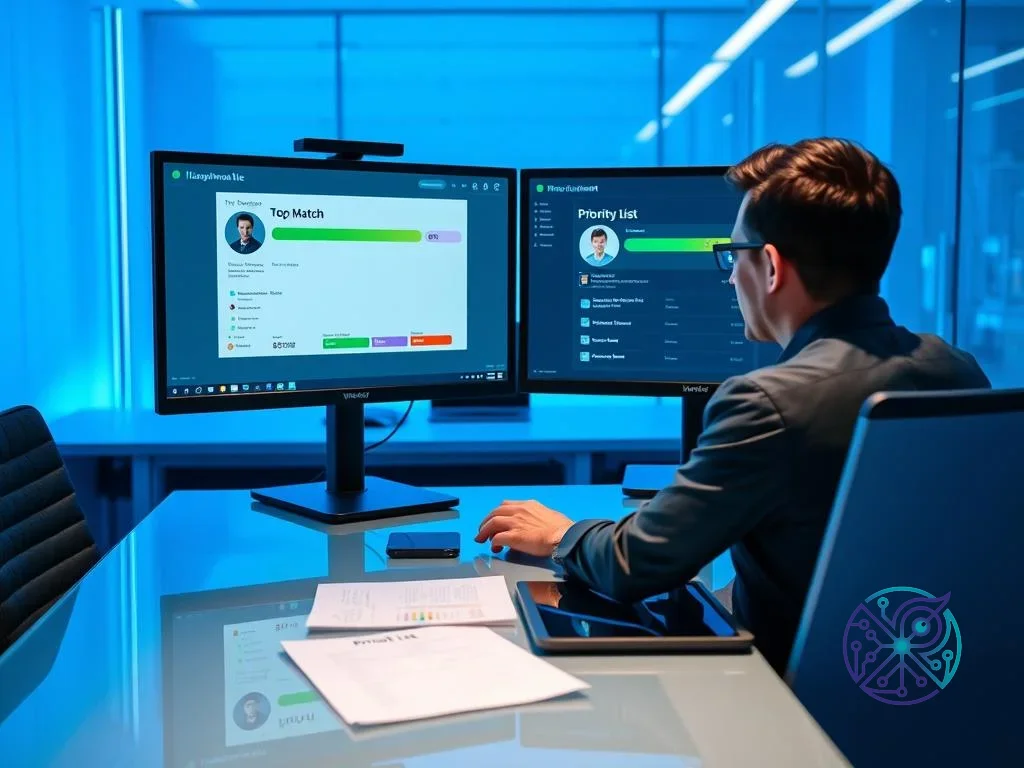
How Workday AI tools help you get hired
Workday AI tools improve your odds of being surfaced to a recruiter when your skills match the role requirements, especially in crowded pipelines. For candidates, the transparency loop includes the system suggesting your profile for openings you did not explicitly apply to when the skills match is strong, along with career recommendations that point to skills needed for a target role.
The practical difference depends on how clearly your profile communicates skills. Since these systems prioritize skills-first logic, you should list technical and soft skills in direct, scannable terms instead of burying them inside long responsibility lists. Short lines, clear tool names, and concrete outcomes improve visibility.
If you have used a tool like Otter.ai for interview prep or documentation, you have seen how systems parse structured information. Workday performs a similar function with resume content and profile fields. Because matching depends on consistent labels, use standardized skill tags where the platform offers them and ensure the same core skills appear in both your resume and your Workday profile.
The model looks for evidence such as certifications, tools used, and projects you can explain. While some people worry about algorithmic bias in recruitment, Workday positions its models as focusing on job-related predictors like experience and competencies rather than demographic attributes. You benefit by being precise, as vague claims are harder to map to a skills ontology and easier to overlook in high-volume reviews.
“Inefficient processes can delay hiring and put undue burden on recruiters and managers, and can result in both internal and external candidates being overlooked.” — Aashna Kircher, GVP at Workday
How does Workday talent mobility drive internal growth?
Workday talent mobility uses AI to create a marketplace for internal opportunities, connecting employees with roles, projects, and mentorships. By analyzing skills, performance context, and stated career interests, the AI for Talent Mobility module suggests internal moves that fit an employee’s trajectory, making internal options visible sooner.
For retention, the win is timing. When the next step is visible before an employee disengages, internal movement becomes a real alternative to leaving. This supports workforce planning because internal fills reduce reliance on external recruiting and shorten ramp-up time, as the person already understands the company context.
Internal mobility relies on the data behind it. If employees do not keep their profiles current, or if roles are not mapped to updated skills, recommendations can become stale. When clean skill tags, realistic job profiles, and clear career interests are in place, the system surfaces plausible paths that might not show up in a generic internal job board feed.
Clarity around skill gaps is another key element. Workday’s Intelligent Job Architecture Hub allows leaders to see which skills are trending in the market and map them to internal roles and development paths. This turns performance conversations into forward-looking plans tied to skills employees can build. For example, if your organization sees rising demand for AI content workflows, the system points employees toward learning paths that align with upcoming projects.
If you are an HR professional deciding which modules to prioritize, our interactive tool finder can help you compare options based on team size and workflow needs.
Checklist for Improving Internal Mobility
- Verify your skills: Update your Workday skill profile with new certifications and validated experience.
- Set career interests: Use the Career area to tell the system which departments or roles you’re aiming for.
- Monitor recommendations: Check the Opportunities dashboard regularly for tailored internal postings.
- Engage with gaps: When you’re a partial match, review the gap and choose training tied to those specific skills.

What are the key benefits of AI in HR workflows?
The main benefits of adding AI to HR workflows include shorter time-to-hire, improved retention through clearer career paths, and reduced manual data entry. By assisting with job profile drafting and identifying in-demand skills, HR teams can respond to market shifts with less manual research. This shifts HR from a reactive administrative function toward a planning partner that uses predictive analytics to support workforce decisions.
Benefits are not automatic. You gain effectiveness when criteria are explicit and review steps are genuine. If the AI suggests a candidate or next step, a person still decides whether to interview, hire, or promote. Workday describes this as human-in-the-loop, ensuring accountability for trust and auditability. This keeps the process explainable when stakeholders ask why a specific candidate moved forward.
If you have worked with HubSpot marketing automation, you will recognize the same core idea: automation helps most when inputs are structured and outputs are checked. Poorly defined fields produce noisy automation regardless of the domain.
Managers often struggle to write job descriptions that reflect current skills and expectations. The Workday AI assistant drafts job descriptions faster by pulling from company job and skill context, helping you create a solid first draft quickly. This reduces skill rot, where outdated templates persist due to a lack of time for careful rewriting. Reviewing these drafts for role scope and compliance remains a necessary human step.
When administrative friction drops, managers spend more time coaching and less time navigating screens. Organizations often prioritize a usable web-based HCM portal and invest in performance fundamentals, including guidance like the Core Web Vitals overview at web.dev.
- Reduced administrative load: Drafting job profiles and supporting early-stage screening.
- Enhanced consistency: Using criteria-based matching to support skill and culture alignment.
- Proactive retention: Flagging potential flight risks and suggesting internal growth paths earlier.
- Market agility: Updating job requirements based on evolving skill signals.
How does the new Job Architecture Hub simplify HR management?
The Workday Job Architecture Hub acts as a central place for defining, managing, and evolving roles. It uses machine learning to suggest skills-based updates to job profiles so the internal hierarchy reflects changes in the labor market. This helps HR leaders understand capabilities and identify where hiring or upskilling is needed.
A dynamic job architecture simplifies change management. Updating titles and job families across a global organization previously required months of manual work; with a hub approach, updates are applied in bulk while keeping definitions consistent. Where external market data is available, the hub helps compare internal roles to market signals so compensation bands stay competitive as expectations shift in fields like data science.
For a growing company, skills-first mapping reduces silos by tying roles to competencies. If the system recognizes that a marketing project manager shares competencies with an IT product role, cross-functional staffing becomes easier to plan. Governance remains necessary to prevent inconsistent definitions that turn skills-first into a multiplication of redundant tags.
For technical HR teams, aligning your Schema.org JobPosting metadata with standardized role definitions helps your postings perform better in search contexts while keeping internal role language consistent.
Many HR teams run a recurring skills audit to identify which skills are fading in relevance and which appear repeatedly in demand. Tracking these signals early allows you to plan targeted upskilling while the business still has the flexibility to adapt.
To get practical value from Workday AI tools, start with verification. Confirm that Illuminate-powered features and the HiredScore Workday integration are enabled in your tenant, then review how job profiles and skill tags are defined. If you are hiring, write requisition requirements as skills-based criteria so the ranking system has a solid foundation. If you are applying, make your skills and outcomes explicit so the Workday AI assistant can match you to roles with precision.
The tooling speeds up triage and improves consistency, but it does not fix unclear job architecture on its own. Success depends on clean data, clear criteria, and human review. When these elements align, automation becomes a powerful asset rather than a source of noise, allowing your organization to focus on human potential rather than administrative overhead.
FAQ
What is the difference between Workday Illuminate and HiredScore?
Workday Illuminate is the AI orchestration layer powering capabilities across the entire Workday ecosystem. HiredScore is a specific integration focused on recruiting and talent mobility, using algorithms to prioritize candidates and suggest internal opportunities based on skills.
How does Workday ensure its AI doesn’t have bias?
Workday uses a human-in-the-loop approach where AI provides suggestions while people make the final decisions. The models focus on job-related criteria like skills and experience rather than demographic attributes to reduce bias risk.
Do I need to pay extra for the HiredScore features?
Often, yes. HiredScore capabilities are usually sold as add-on modules for organizations using Workday Recruiting, though specific packaging depends on your contract.
Can the AI assistant write job descriptions for me?
The Workday AI assistant drafts profiles using your company’s existing job data and skill signals to speed up the process. A person must still review the draft for scope, team context, and compliance before it is finalized.
Will these AI tools replace human recruiters?
Workday frames these tools as support rather than replacements. By automating repetitive tasks like sorting applicant pools, recruiters can focus on candidate experience and interviews while maintaining decision-making authority.